

- Email & Password Signup
- Sign-up with Google
This is the standard method for creating an account. It involves filling out a form, verifying your email with a one-time password (OTP), and selecting a plan.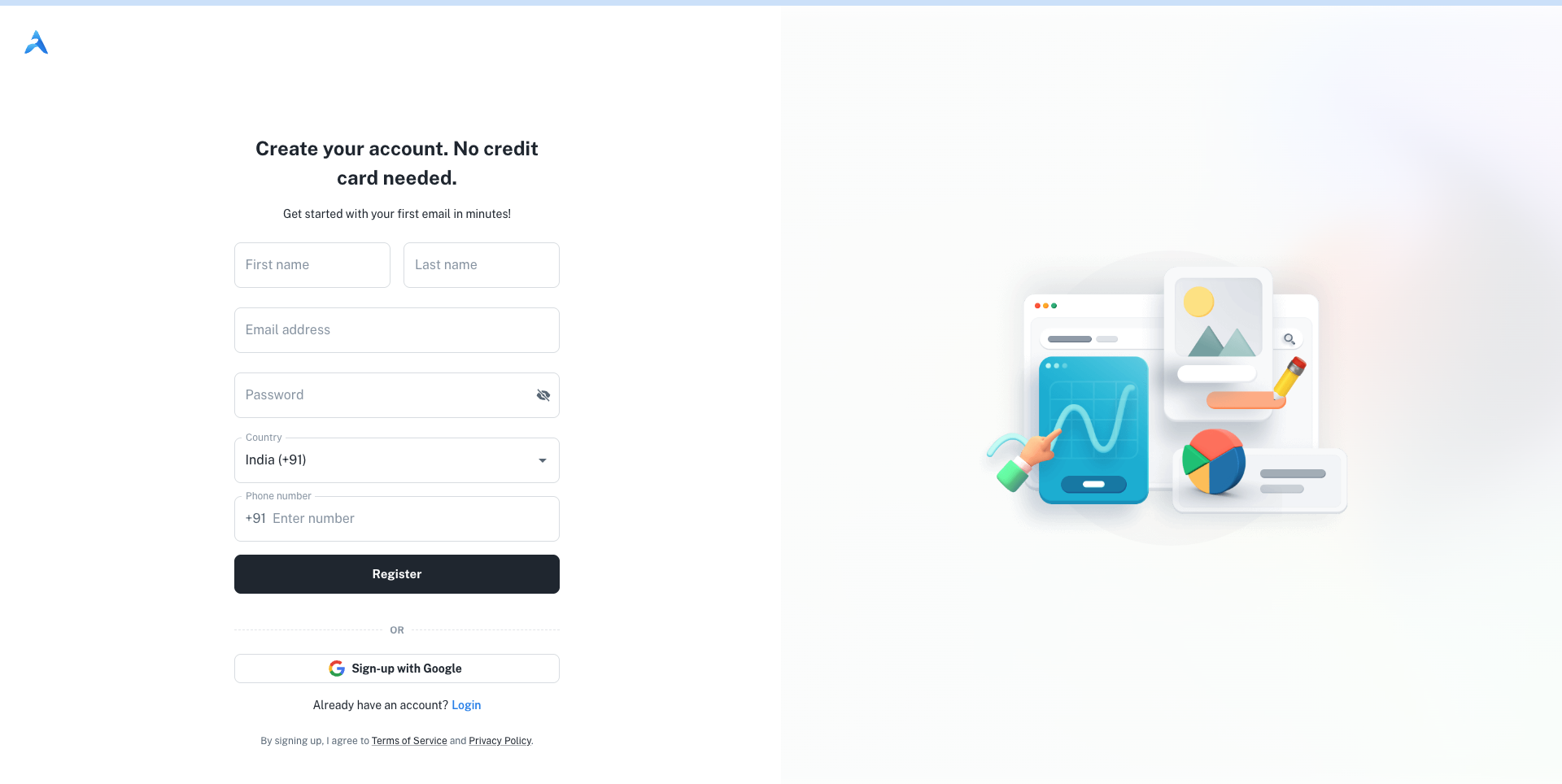
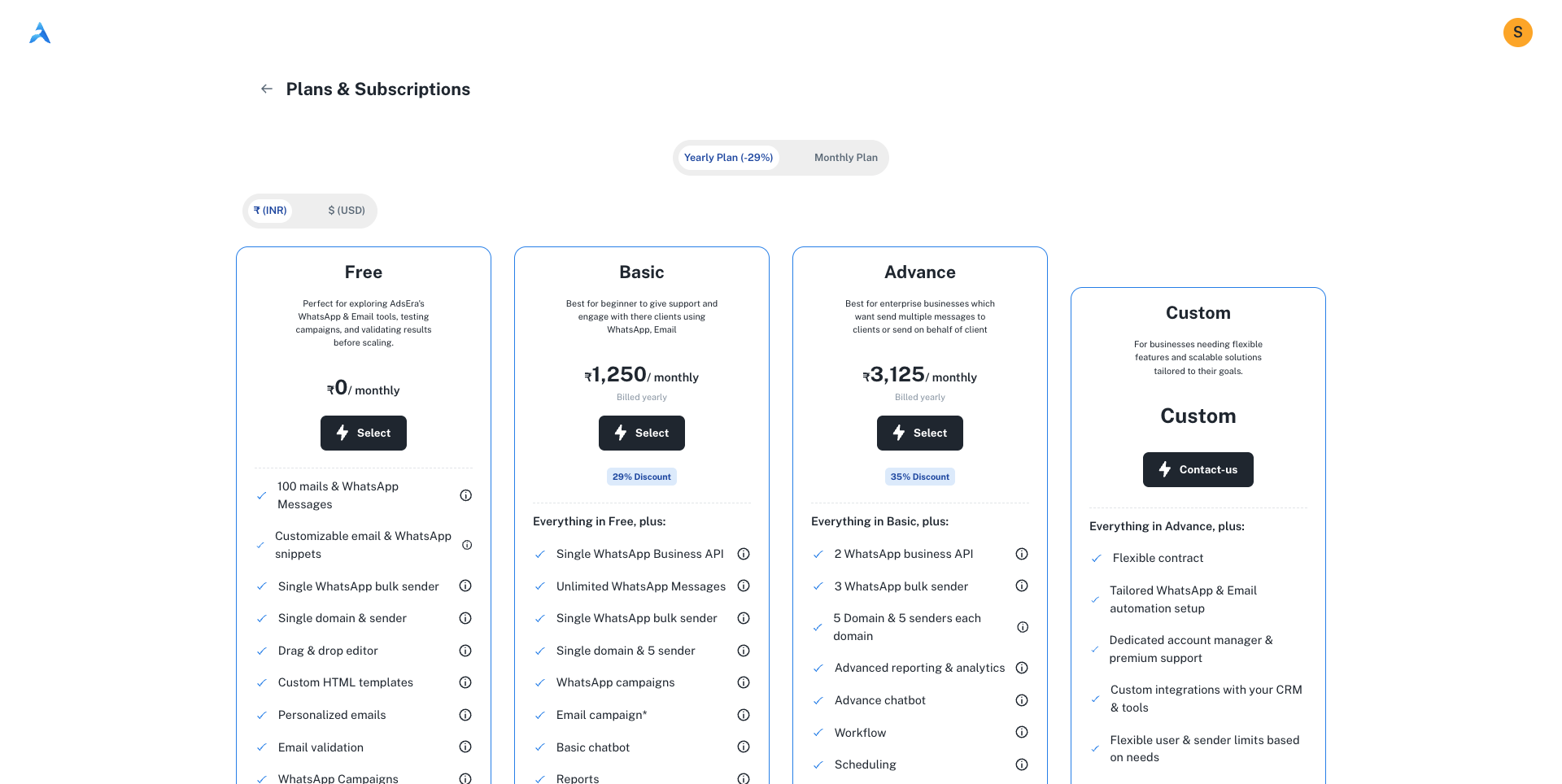 Your account is automatically placed on the Free plan, which allows you to start exploring AdsEra’s features immediately. You can choose to upgrade to a paid plan at any time. Your registration is now complete!
Step 1: Fill Out the Registration Form
First, you’ll need to provide your personal and account details.1
Enter Personal Details
Fill in your First name and Last name.
2
Enter Account Credentials
Provide a valid Email address and create a secure Password.
3
Enter Contact Information
Select your Country from the dropdown list and enter your Phone number.
4
Submit the Form
After filling in all fields, click the Register button to proceed.
Step 2: Verify Your Email Address
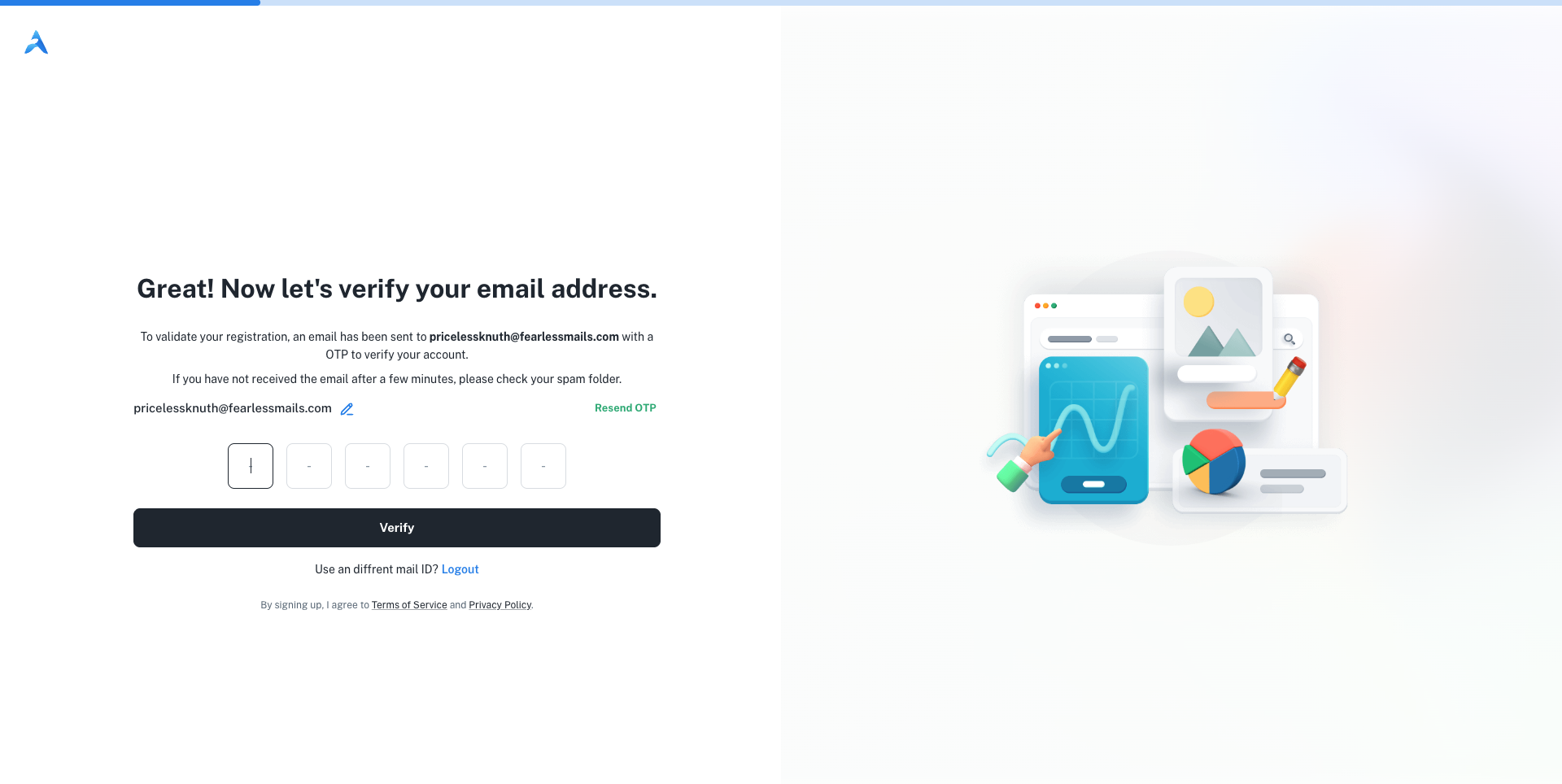
To ensure your email is valid, we’ll send you a verification code.1
Check Your Email
Look for an email from AdsEra containing a 6-digit one-time password (OTP). If you don’t see it, check your spam folder.
2
Enter the OTP
Type the 6-digit code into the input fields on the verification page.
3
Verify Your Account
Click the Verify button. If the code is correct, your account will be successfully created.
If you haven’t received the code, you can use the resend OTP button.
Step 3: Select Your Plan
After successful verification, you’ll be logged in and directed to the Plans & Subscriptions page.Your account is automatically placed on the Free plan, which allows you to start exploring AdsEra’s features immediately. You can choose to upgrade to a paid plan at any time. Your registration is now complete!
Next Steps
Sign In to Your Account
Now that your account is created, learn how to sign in.