

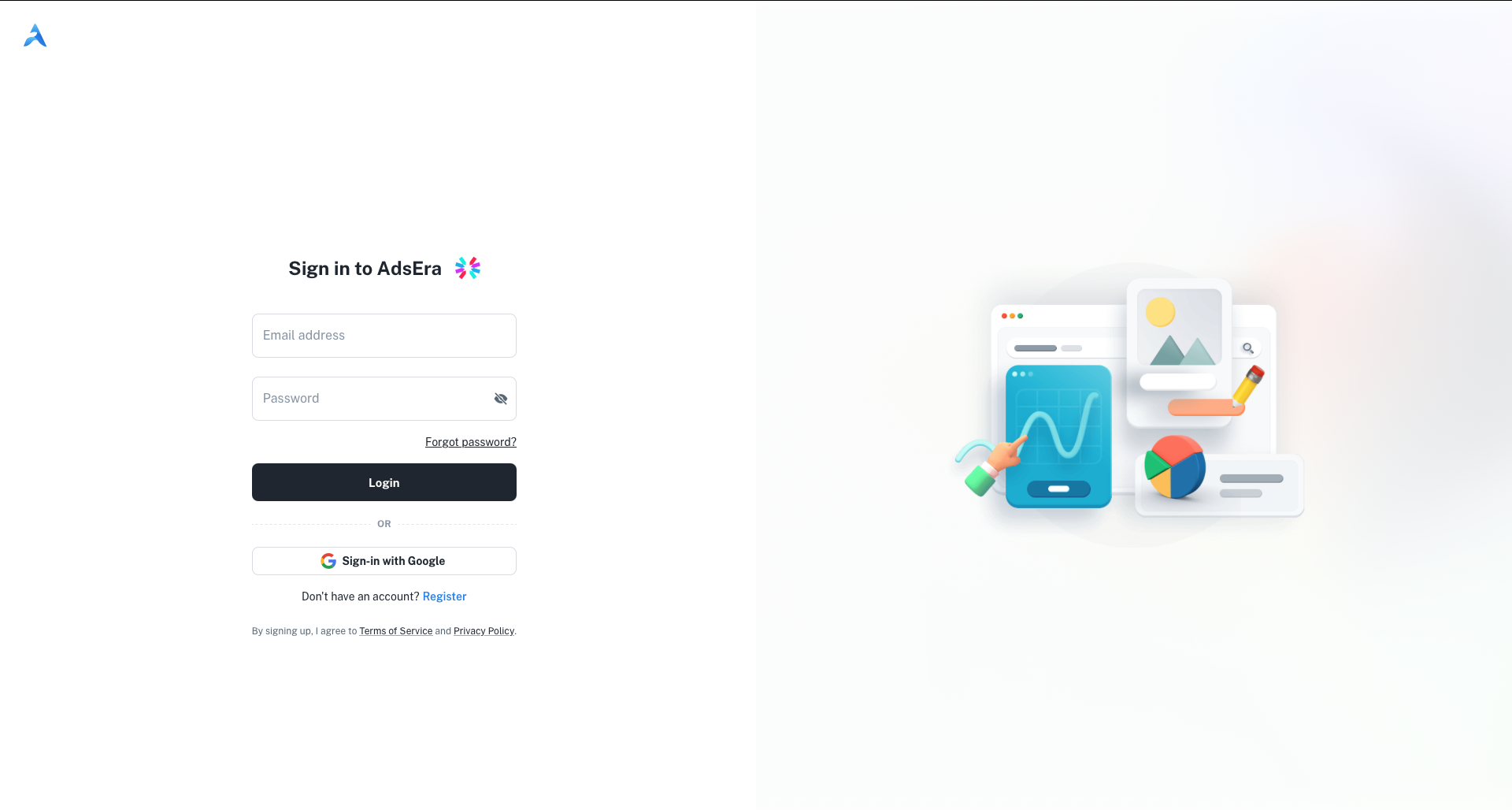
Standard Login
This is the primary method for signing into your account.1
Enter Your Email Address
In the Email address field, type the email you used to register your account.
2
Enter Your Password
In the Password field, type your secret password. You can click the eye icon to show or hide the characters you’re typing.
3
Click Login
Click the Login button to be redirected to your dashboard.
Sign in with Google
For quick access, you can authenticate using your existing Google account.- Below the main login form, click the Sign-in with Google button.
- A pop-up window will appear, prompting you to choose a Google account.
- Select the desired account and follow the authentication steps.
- Upon successful authentication, you will be redirected to the AdsEra dashboard.
Other Options
Links are available for account recovery and for new users to register.Forgot Password?
If you’ve forgotten your password, click this link. You’ll be taken to a new page to start the password reset process.
Register a New Account
If you don’t have an account yet, click the Register link to be taken to the sign-up page.