

Password Reset Process
The process involves two main stages: requesting the reset link and creating your new password.1
Request a Password Reset Link
On the “Forgot Password” page, you’ll see a field to enter your email.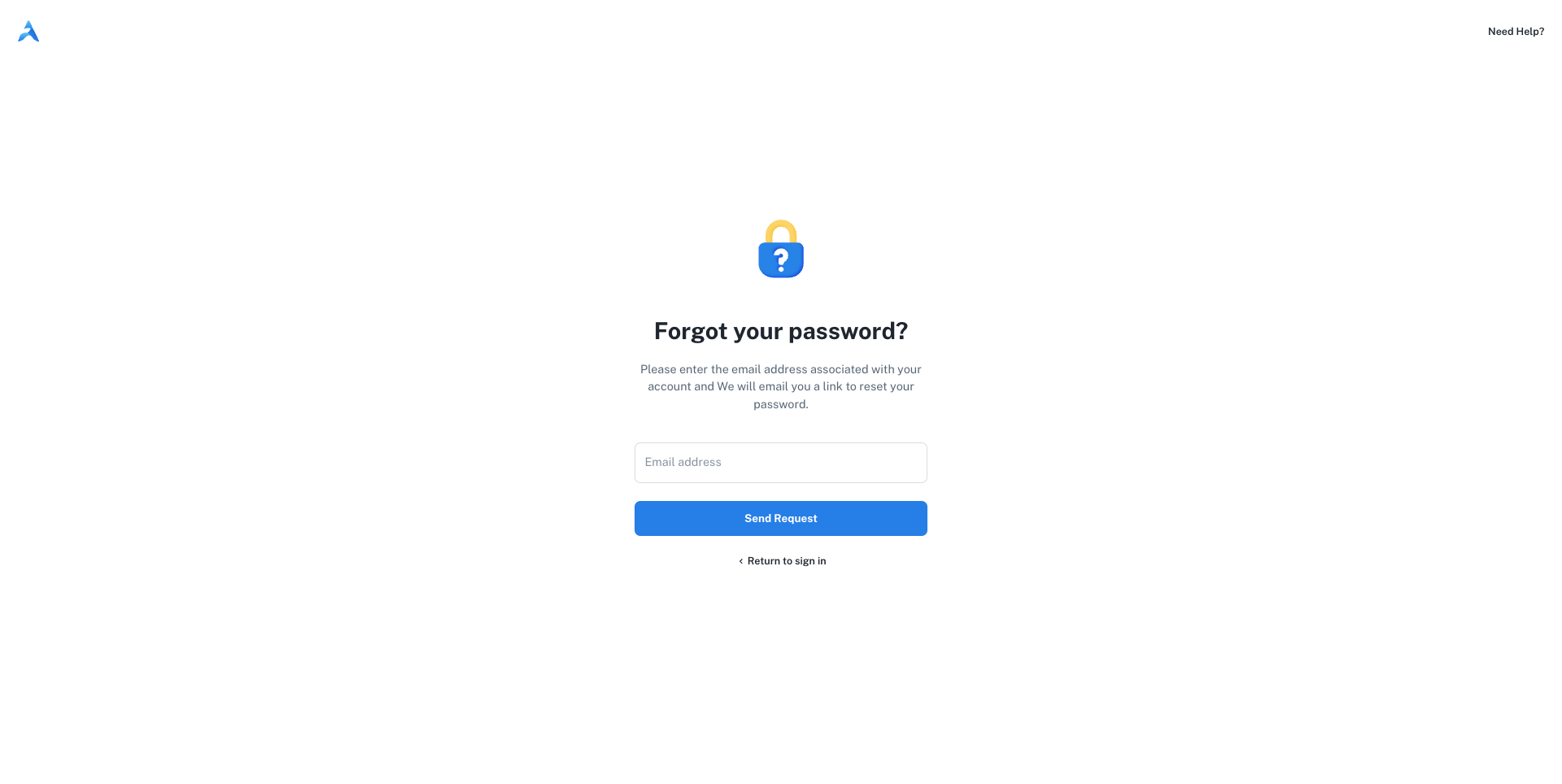
- In the Email address field, type the email associated with your AdsEra account.
- Click the Send Request button.
2
Check Your Email for the Reset Link
Open your email client and look for a new email from AdsEra.Click the reset link in the email to proceed to the final step.
3
Create Your New Password
Clicking the link will take you to the “Create your new password” page. Your email address will be pre-filled and disabled for security.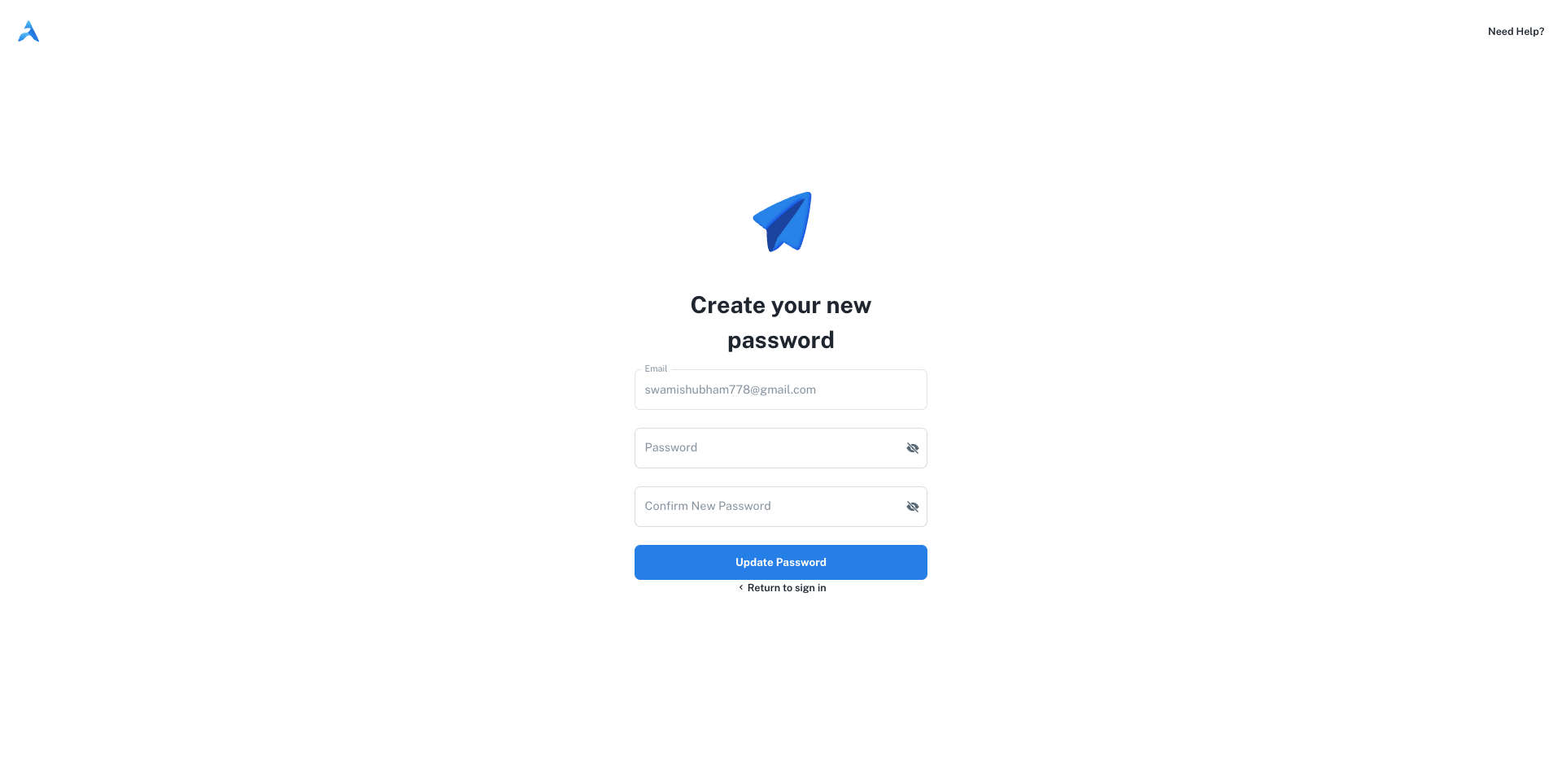
- In the Password field, enter your new, secure password.
- In the Confirm New Password field, enter the same password again to ensure it’s correct.
- Click the Update Password button.
You’re all set!
Once you update your password, you will be redirected to the login page. You can now sign in with your email and your new password.Return to Sign In
After resetting your password, proceed to the sign-in page.