> ## Documentation Index
> Fetch the complete documentation index at: https://docs.adsera.in/llms.txt
> Use this file to discover all available pages before exploring further.
# Sign In
> Learn how to access your AdsEra account by signing in with your credentials or using social login.
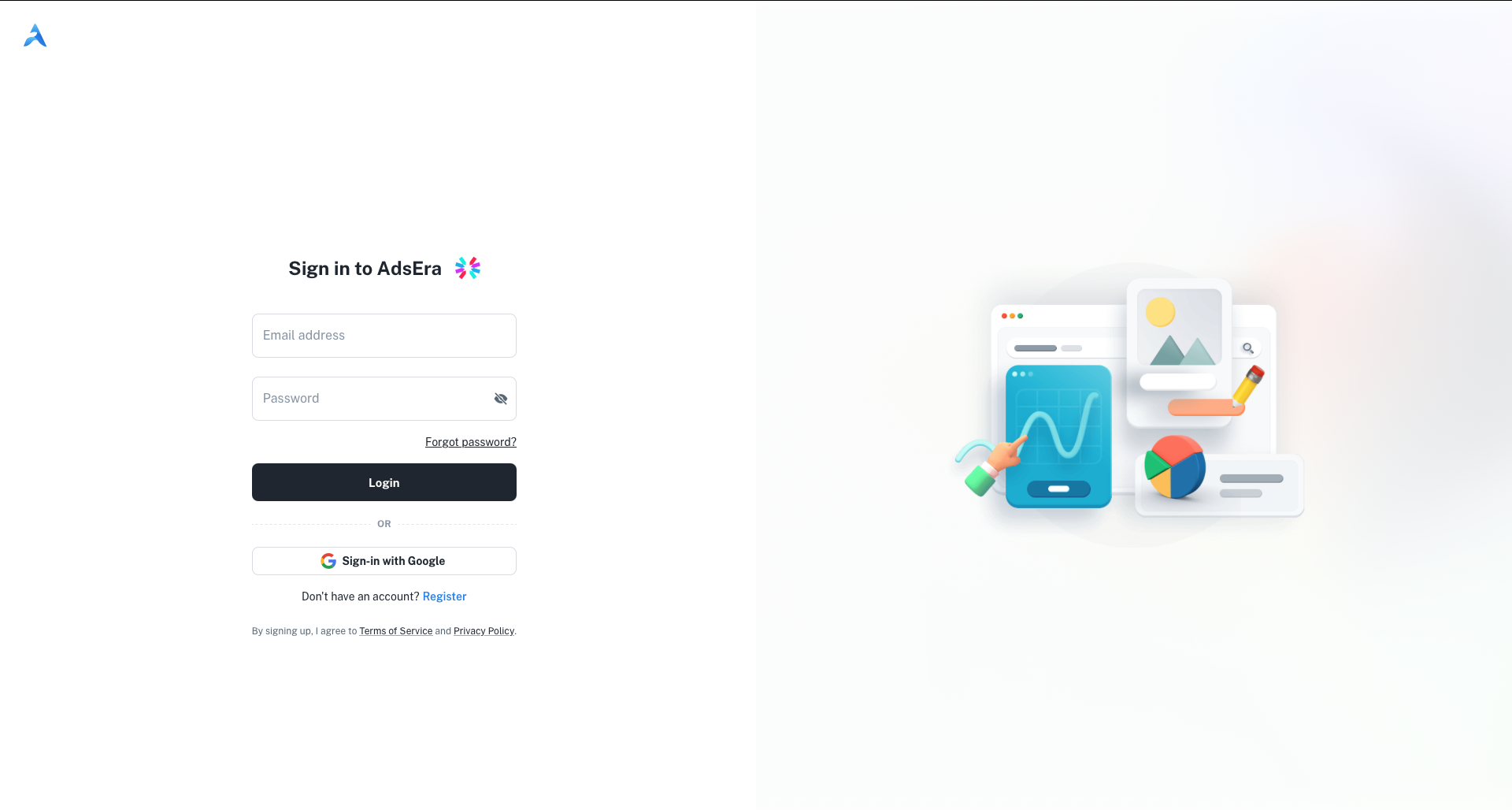
To access your AdsEra dashboard, you need to sign in to your account. The login page provides two methods: using your registered email and password or signing in with your Google account.
**Login to your account? [Go to the AdsEra Login Page →](https://app.adsera.in/auth/login)**
***
## Standard Login
This is the primary method for signing into your account.
In the **Email address** field, type the email you used to register your account.
In the **Password** field, type your secret password. You can click the eye icon to show or hide the characters you're typing.
Click the **Login** button to be redirected to your dashboard.
***
## Sign in with Google
For quick access, you can authenticate using your existing Google account.
1. Below the main login form, click the **Sign-in with Google** button.
2. A pop-up window will appear, prompting you to choose a Google account.
3. Select the desired account and follow the authentication steps.
4. Upon successful authentication, you will be redirected to the AdsEra dashboard.
***
## Other Options
Links are available for account recovery and for new users to register.
If you've forgotten your password, click this link. You'll be taken to a new page to start the password reset process.
If you don't have an account yet, click the **Register** link to be taken to the sign-up page.